Free demo by Alec Cuenca
I let AI edit my videos.
A free 10-minute demo of exactly how I set it up, and how you can too. No editing skills needed.
Watch the free demoEditing one short video can take 2 to 4 hours.
That’s time away from your family. Or it becomes the reason you stop posting.
“You don’t need to know how to edit. You just need to know what you like.”
Your AI editor learns your style: your captions, your pacing, your hooks (the first few seconds that make people stop scrolling), and your words. So every video still sounds like you.
How it works
-
Step 1
Set up Claude as your editor.
Claude is an AI assistant. You chat with it in plain words, like texting a friend.
-
Step 2
Give it your raw video and teach it your style.
Raw video means the clips straight from your phone, before any editing.
-
Step 3
Watch the edit on your phone and tell it what to fix, in plain words (even Taglish).
Like: “Bilisan mo yung intro, tapos lakihan mo yung captions.”
Before and after
“AI made the first draft. My notes made it mine.”
What’s in the free demo
A free video, about 10 minutes long.
-
How to set up Claude as your video editor
-
How to think like an editor The 5 decisions every edit comes down to.
-
The “make it yours” prompt that teaches your AI your style A prompt is simply the message you type to the AI.
Plus a one-page “try it tonight” guide.
Get the free demo
Enter your email and watch it right away. I’ll also email you the link so you can rewatch it anytime.
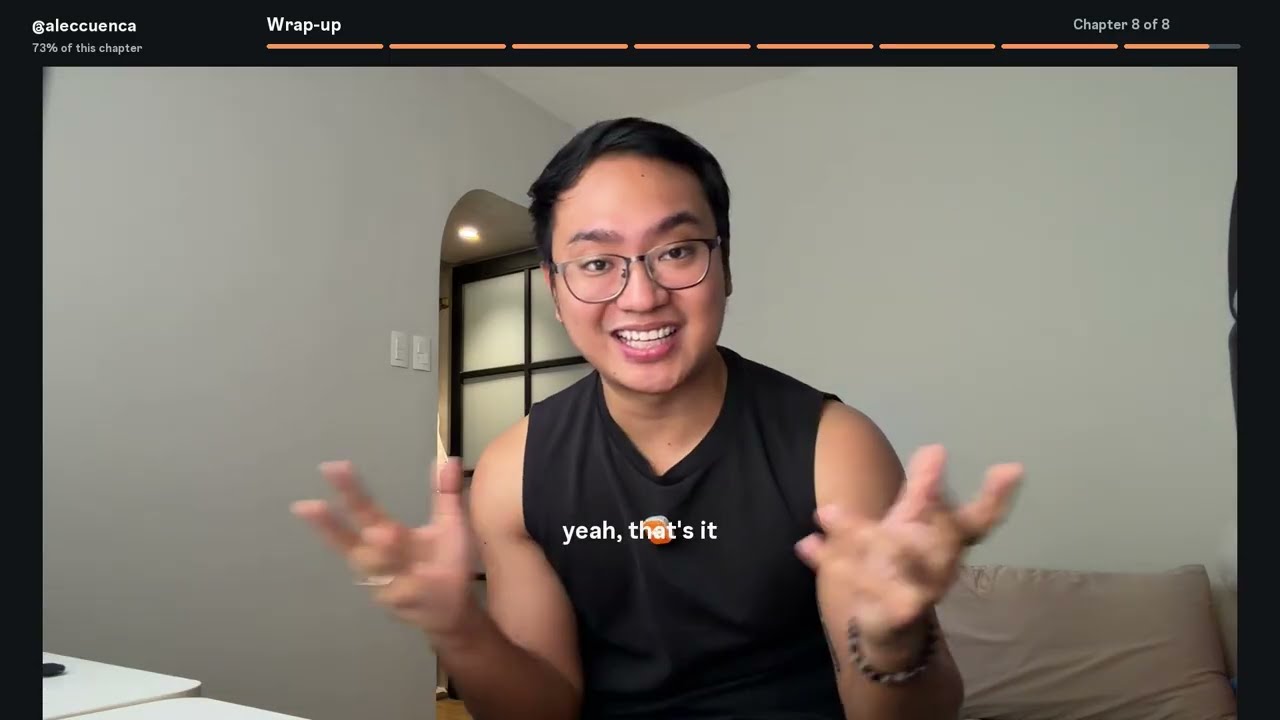
One last thing.
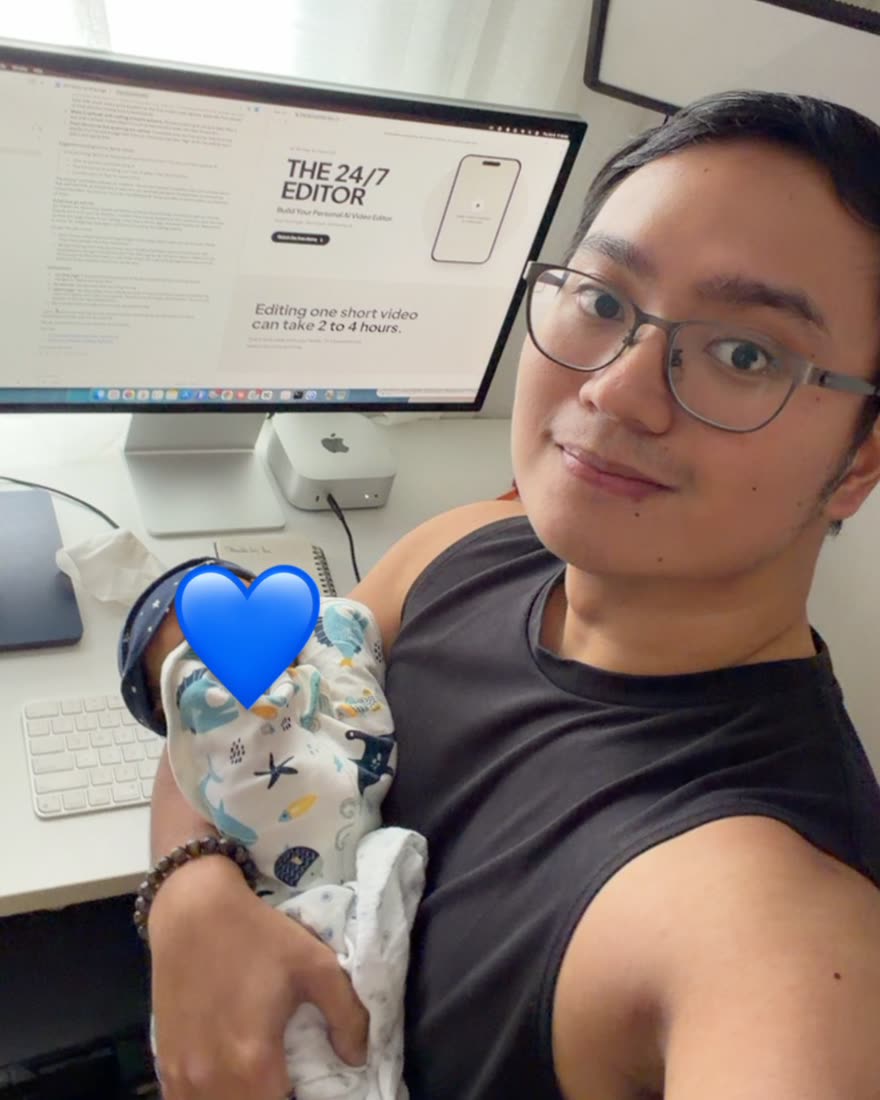
Meet Alec
Hi, I’m Alec Cuenca. I’m not an AI guru. I’m just a first-time dad.
I built a business from home, and I wanted more time with my son. Not more nights stuck in an editing app. Editing one short video used to take me 2 to 4 hours.
So I taught AI to edit my videos. Now I record, tell my editor what I want, and get a finished, captioned video back. The time I save goes to my family.
“My editor works 24/7. I don’t.”
THE 24/7 EDITOR course is coming.
What you’ll learn
- How to record videos that are easy to edit
- How to set up Claude as your video editor
- How to think like an editor
- How to teach your AI your style
- How to review edits on your phone
- How to let AI do the whole edit
- How to make editing a weekly routine
Get the free demo to be first to know when it opens.
Watch the free demoQuestions
Do I need to be techy?
No. You talk to it in plain words. The first setup takes about 10 to 15 minutes, and the free demo and guide walk you through it.
Do I need to know how to edit?
No. You just need to know what you like.
Will it still sound like me?
Yes. You teach it your style, and you approve every edit.
What do I need?
A computer and a paid Claude plan. Pro at the very least, and if you edit often, look at Max. Check today’s prices at claude.ai. I use a Mac. The kit says Windows works too, but I haven’t tested it.
Can I talk to it in Taglish?
Yes.
Is the course available now?
Not yet. Get the free demo and you’ll be first to know.